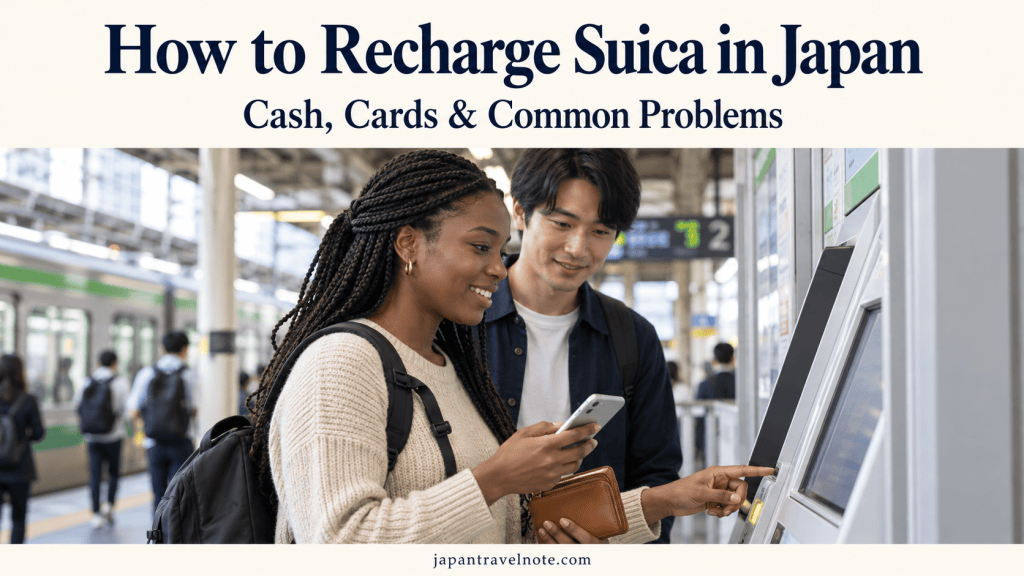
You can recharge a physical Suica with Japanese yen at compatible station machines, participating convenience stores and supported ATMs. If your Suica is in Apple Wallet, you can also add money using an eligible payment card. Already have Suica on your phone but your online top-up will not work? Cash top-ups are available for mobile Suica too, at supported locations. (jreast.co.jp, msfaq.mobilesuica.com, support.apple.com)
The important thing is to match the charging method to your card or device. A machine that accepts a plastic card may not support a phone, and a credit card that works for shopping may not work for a Suica top-up.
Here is how to add money—and what to check when something goes wrong.
First, Check Which Suica You Have
A Physical Suica Card
This is the plastic card you carry separately from your phone. For an ordinary visitor top-up, plan to use cash. Do not assume that a station machine accepting credit cards for train tickets will accept your overseas credit card to recharge Suica.
Special View Card arrangements exist, but they are different from simply using any credit card at a machine. (jreastfaq.jreast.co.jp, jreast.co.jp)
A Physical Welcome Suica
Welcome Suica is also a plastic card, but it has its own validity rules. The standard physical card is valid for 28 days, including the purchase date. Adding money does not extend that period.
JR East specifies yen cash for top-ups; a credit card cannot be used to recharge the physical Welcome Suica. (jreast.co.jp)
Suica on an iPhone or Apple Watch
If you already have Suica in Apple Wallet, you can add money using an eligible payment card. You can also recharge an existing mobile Suica with cash at supported locations. (support.apple.com, msfaq.mobilesuica.com)
For Android, Mobile Suica requires a compatible device and setup. Having NFC alone does not establish compatibility. Check JR East’s supported-device information before relying on your phone for your trip. (msfaq.mobilesuica.com, msfaq.mobilesuica.com)
If you are still choosing a card, start with my guide to buying and using Suica in Japan.
How to Recharge a Physical Suica at a Station
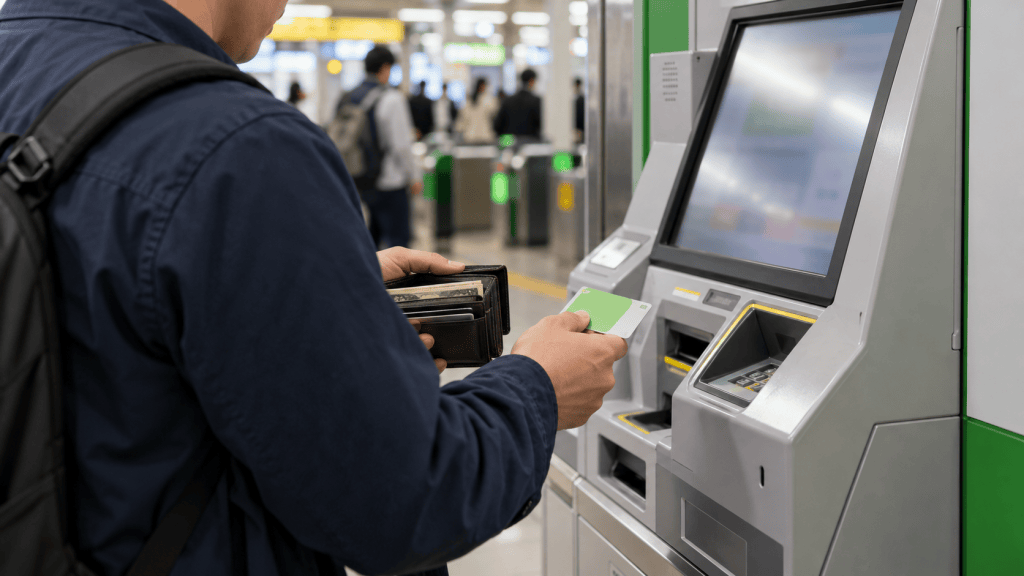
Look for a ticket machine or charging machine that supports Suica or compatible transport IC cards.
The screens vary, but the basic process is:
- Choose English if available.
- Insert your card or place it on the designated reader, following the machine’s instructions.
- Select the charge or top-up option.
- Choose an amount.
- Insert Japanese yen as instructed.
- Wait for confirmation, then collect your card, change and receipt.
Follow the amounts and cash types shown on that particular machine. Do not assume every machine accepts coins or offers the same options. (jreast.co.jp)
For a phone, find a machine specifically supporting mobile IC cards, such as a compatible tray-style charger. Never try to push a phone into a plastic-card slot. (msfaq.mobilesuica.com)
How to Recharge Suica at a Convenience Store
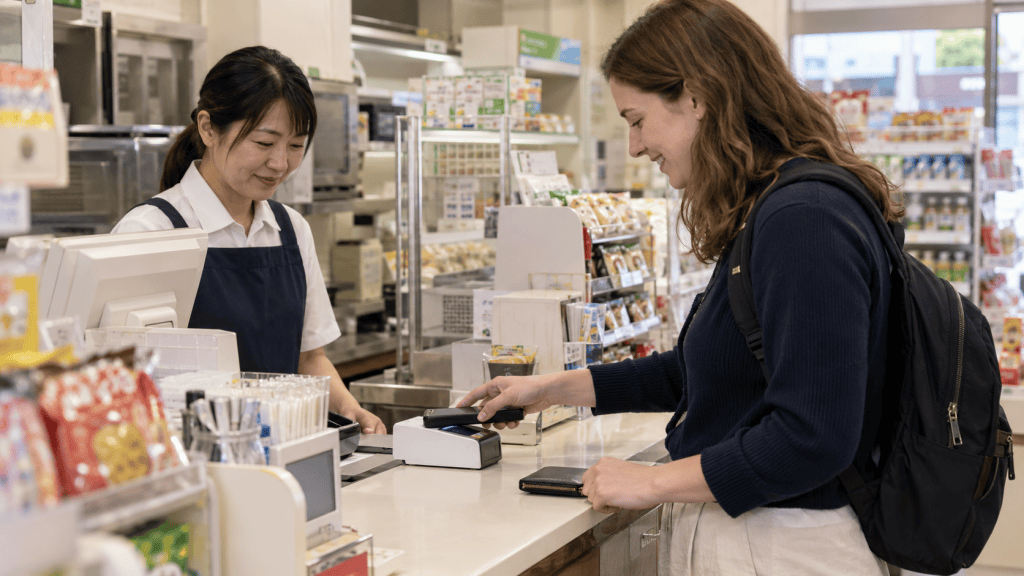
A participating convenience store can be a useful alternative when you cannot find the right station machine.
At a staffed checkout:
- Tell the cashier you would like to charge your Suica.
- Say how much you want to add.
- Pay the amount in cash.
- Place your card or compatible phone on the reader when asked.
- Wait until the top-up finishes and check the receipt. (msfaq.mobilesuica.com, jreast.co.jp)
You could say:
“Suica ni nisen-en charge onegaishimasu.”
This means: “Please add 2,000 yen to my Suica.”
For this transaction, you are exchanging cash for Suica balance. It is different from paying for shopping with your credit card.
Ask whether the store handles Suica top-ups before preparing payment. IC payment acceptance does not automatically mean every checkout offers charging.
How to Recharge Suica at a Seven Bank ATM
Supported Seven Bank ATMs can recharge physical Suica cards and compatible mobile Suica. Some ATMs do not offer the service.
The general steps are:
- Select Recharge E-money.
- Choose the transport/prepaid IC-card option shown.
- Put your card or compatible phone on the designated reader.
- Select the charging menu and amount.
- Insert yen banknotes as instructed.
- Leave the card or phone in place until completion.
- Collect any change and receipt.
Seven Bank specifies cash charging in units of 1,000 yen, with no fee for the IC-card charging service. This does not transfer money directly from your bank balance. Any separate cash withdrawal has its own conditions and possible fees.
Button names and reader positions can vary by ATM model. (sevenbank.co.jp)
How to Add Money to Suica in Apple Wallet
For an existing Suica in Apple Wallet:
- Open Wallet on your iPhone or Apple Watch.
- Select your Suica.
- Tap Add Money.
- Choose an amount and tap Add.
- Select an eligible payment card and authenticate. (support.apple.com)
Before confirming, check that you have selected the intended Suica, especially if you manage more than one transit card.
Adding money online requires connectivity. This is different from tapping an already working Suica at a gate: Apple says the device does not need a cellular or Wi-Fi connection for that tap. (support.apple.com)
Suica Won’t Recharge? Check These Problems
1. You Are Trying to Use the Wrong Payment Method
If a physical-card top-up fails when you use a credit card, try a supported cash charging method instead. (jreastfaq.jreast.co.jp)
If an Apple Wallet top-up is declined, check the payment card’s eligibility and any message from its issuer. Try another eligible card if you have one, or contact the issuer.
Avoid assuming that every Visa, Mastercard or other card will behave the same way. Do not rely on an unsupported blanket claim that one entire card brand always works—or never works.
2. The Top-Up Would Exceed the Balance Limit
Suica’s stored-fare balance has a maximum of 20,000 yen. (jreastfaq.jreast.co.jp)
For example, if your balance is 19,000 yen, adding 2,000 yen would exceed the limit. Choose a smaller permitted amount or use some existing balance first.
The limit applies to the resulting balance, not simply to the amount you are adding.
3. The Machine Supports Plastic Cards but Not Phones
A card slot does not mean a machine can charge mobile Suica.
Look for a supported phone-compatible charger, ask a convenience-store cashier, or use a supported ATM. If you are unsure, ask staff before inserting money. (msfaq.mobilesuica.com)
4. Online Services Are Under Maintenance
Mobile Suica services can be restricted during maintenance or an unexpected outage.
Check JR East’s current notices and pay attention to Japan Standard Time, particularly if you are trying to top up from overseas.
JR East advises cash charging at supported stores or station chargers when app charging is unavailable during maintenance. Existing stored balance may remain usable, depending on the situation. (msfaq.mobilesuica.com)
5. The Payment Appears in Your Bank App, but Suica Has Not Updated
Check your Suica balance and transaction history before repeatedly trying again.
A bank notification or pending transaction is not, by itself, proof that money reached Suica. JR East explains that failed attempts may leave temporary card records; debit or prepaid cards can also show a temporary deduction.
Keep the transaction details. If the deduction remains unresolved, contact your card issuer and the appropriate Suica support service. Do not assume every reversal will happen immediately. (apfaq.mobilesuica.com, apfaq.mobilesuica.com)
For an Apple Wallet balance that will not update, follow Apple’s official balance-update troubleshooting.
6. Your Welcome Suica Has Expired
Check the validity information supplied with your physical Welcome Suica.
An expired card is not fixed by trying to add more money. Physical Welcome Suica and app-based products have different conditions, so check the exact product you hold. (jreast.co.jp)
7. Your Card Has Balance, but the Gate Still Rejects It
This may be a journey-record or card-reading issue rather than a charging problem.
Move away from the gate and ask station staff for help. Explain where you entered and what happened. Buying another card or adding more money will not necessarily correct an incomplete journey record. (jreast.co.jp)
Can You Recharge Suica in Osaka and Kyoto?
You do not generally need to return to Tokyo just to recharge your working Suica. Compatible physical-card charging machines are available in participating areas, but support varies by operator and device.
For mobile Suica, be especially careful: a machine that charges a plastic IC card may not charge a phone.
You can also use the supported store or ATM options described above. For eligible routes and the difference between local journeys and Shinkansen travel, read my guide to using Suica in Osaka and Kyoto.
A Simple Backup Plan Before You Leave the Hotel
Check your balance before you head out, and add enough for the next part of your day.
Keep some yen cash available even if you normally recharge through your phone. Save your receipts when something goes wrong, and ask staff for help if a card with sufficient balance will not work.
You do not need to fill Suica to its maximum. A manageable balance and a backup charging method can make getting around much less stressful.
Official Information
Charging arrangements and supported devices can change. Check these sources for current instructions:
- JR East: Suica charging methods
- JR East: Cash charging for mobile Suica
- Seven Bank: Transport IC-card charging
- Apple: Top up a transit card with Apple Pay
- JR East: Mobile Suica maintenance notices
Information checked on 26 October 2026.


Leave a Reply