This article contains affiliate links. If you book through an affiliate link, I may earn a commission at no additional cost to you.
Updated November 2026.
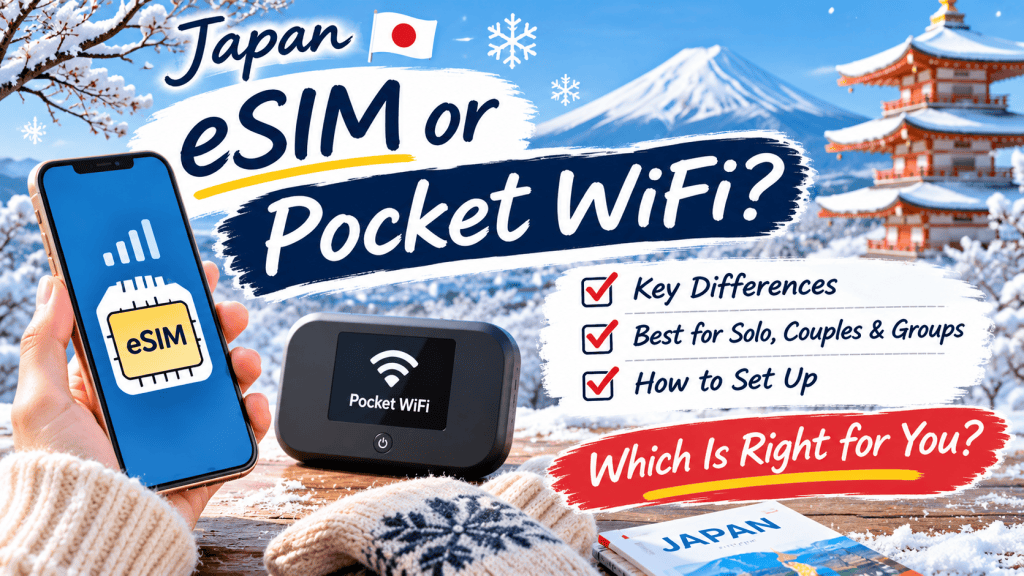
You will want data in Japan for maps, train times and translation, and there are two easy ways to get it before you land: an eSIM or a rental pocket WiFi. Here is how they differ and which one suits your trip.
Quick answer
- Solo traveler or couple with eSIM-compatible phones: an eSIM is usually the simplest choice.
- A group, or several devices to connect: a pocket WiFi can share one connection with many devices.
- Phone that does not support eSIM: choose a pocket WiFi.
- Either way, book before you fly, so your connection is ready when you land.
👉 Compare Japan eSIM plans on KKday
What is an eSIM?
An eSIM is a digital SIM that you install on your phone by scanning a QR code, so you do not need to swap a physical card. On KKday, Japan eSIM plans run on Docomo, KDDI, SoftBank and Rakuten networks, with daily high-speed, total data and unlimited options.
Your phone must support eSIM and be unlocked. The listings describe the setup like this:
- On an iPhone, go to Settings, Mobile Data, Add eSIM, then scan the QR code.
- On many Android phones, go to Settings, Connections, SIM Card Manager, Add mobile plan, then scan the QR code.
- If the connection does not start by itself, you may need to enter the APN named in your plan’s instructions.
Most travel eSIMs are for data only, so keep your home SIM for calls and text messages if you need them.
What is pocket WiFi?
A pocket WiFi is a small rental router that creates its own WiFi network. You book online, pick it up at an airport counter, carry it with you and return it before you leave. KKday’s pocket WiFi listings mention airport pickup at Narita, Haneda, Kansai and other airports, a free rental battery and, for some plans, no deposit. One KKday guide says a single device can connect up to 10 devices at once, which suits groups.
👉 Compare pocket WiFi rentals on KKday
How they compare
Setup. An eSIM takes a few minutes on your phone, and you can do it before you fly. A pocket WiFi needs a pickup at the airport and a return at the end of your trip.
Devices. An eSIM connects your phone, and you can share it as a hotspot if your plan allows. A pocket WiFi can connect several phones, tablets and laptops at the same time.
Battery. Using a phone as a hotspot drains its battery faster. A pocket WiFi has its own battery, but you need to charge it every day and carry it with you.
Convenience. An eSIM is one less thing to carry and return. A pocket WiFi can be easier for a group because one person manages one device.
Calls. Both are mainly for data. If you need a local phone number, look for a plan that includes one.
Which should you choose?
If you travel alone or as a couple with phones that support eSIM, choose an eSIM and install it before your flight. If you travel with family or friends, bring several devices or share one connection, a pocket WiFi is easier to manage. If your phone does not support eSIM, or you want one device to cover a laptop and a tablet too, pick a pocket WiFi.
How to choose an eSIM plan
- Daily or total data: a daily plan resets each day and suits steady use, while a total data plan lasts for your whole trip.
- Unlimited plans: read the details. Some give a daily high-speed allowance and then reduce the speed.
- Expiry: check when the plan ends. One listing notes that a 3-day plan is used until 23:59 on the third day.
- Network: a plan that names a major carrier such as Docomo, KDDI or SoftBank is a useful starting point.
KKday also lists plans with daily or total data (product #144030): Check daily and total data eSIM plans
Tips before you fly
- Check that your phone supports eSIM and is unlocked.
- Install the eSIM on Wi-Fi at home, and switch it on when you land.
- Keep your home SIM for calls if you need them.
- Do not delete the eSIM until your trip is over.
- Pick up pocket WiFi at the airport counter, and check the return method before you leave.
If you land at Kansai Airport, see Kansai Airport to Kyoto: Haruka, Bus and Transfer Compared (2026) and ICOCA vs Suica: Which One Should You Get in Japan?
My experience
I once rented a pocket WiFi and lost it, and the penalty fee was higher than the rental fee. I know not everyone is as forgetful as I am, but you do have to return the device somewhere, and that is a fact. If returning a device sounds like a hassle, an eSIM may suit you better because there is nothing to return.
An eSIM does need a little phone setup first. Once that is done, though, there is nothing to return, so it is stress-free.
If you do rent a pocket WiFi, read the loss and damage terms and the return deadline before you book.


Leave a Reply